
Installation
Install and start FireSonic on a supported server platform.
System requirements
| Component | Required / Supported |
|---|---|
| Java | Java 25 |
| Server OS | Linux or Windows |
| Development workstation | Linux, Windows, or macOS |
| Memory | 1 GB minimum; 2+ GB recommended |
| CPU | 2 cores minimum; 4+ cores recommended |
| Storage | Server-grade SSD strongly recommended |
Production storage: Use server-grade SSD storage with power-loss protection (PLP), sufficient write endurance (DWPD/TBW), and hardware error-correction capabilities.
Install from the distribution
- Download and extract the FireSonic distribution.
- Verify
java -versionreports Java 25. - Configure
./config/application.properties. - Place the license file at
./config/license.lic. - Start FireSonic using the supplied Windows/Linux launcher, or start the JAR manually.
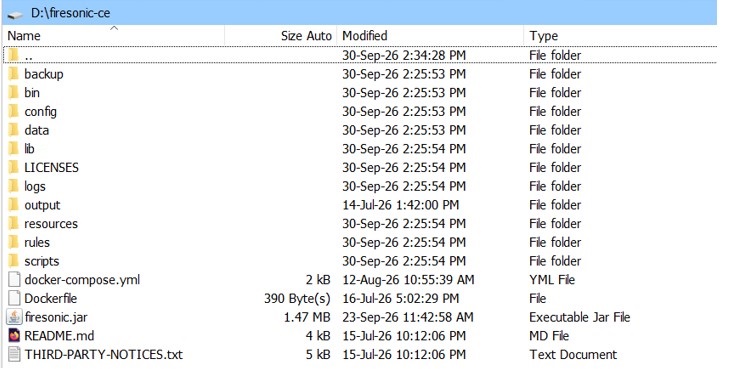
Supplied startup scripts
The bin directory contains launchers for Windows and Linux.

start.bat for Windows and start.sh for Linux.On Linux, the startup script may need execute permission before the first run.
Windows
.\bin\start.batLinux
chmod +x ./bin/start.sh
./bin/start.sh
You can also start the runtime directly:
java -jar firesonic.jarThe supplied start.bat and start.sh launchers already include the required JVM access options. If you start FireSonic manually and Java reports native-access or sun.misc.Unsafe warnings, use:
java --sun-misc-unsafe-memory-access=allow --enable-native-access=ALL-UNNAMED -jar firesonic.jar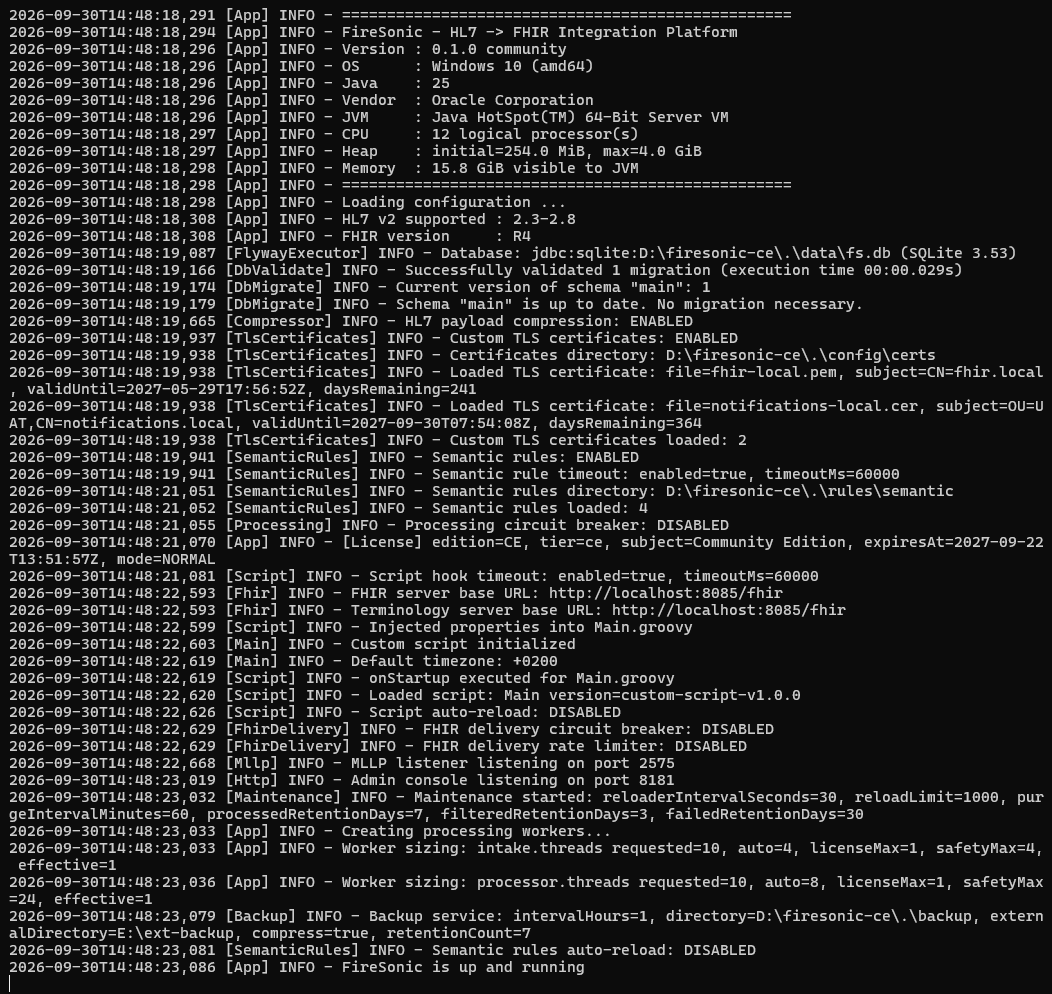
Minimum configuration
Before first use, review the MLLP listener, target FHIR endpoint, authentication when required, persistence encryption secret, Administration Console credentials, and license path.
license.file=./config/license.lic
mllp.port=2575
fhir.server.base.url=${FHIR_SERVER_URL:http://localhost:8080/fhir}
fhir.server.auth.type=none
payload.crypto.keys.k1.password=${FS_PAYLOAD_KEY}
management.auth.password=${FS_ADMIN_PASSWORD}
Verify startup
After startup, verify the Administration Console and health endpoint:
http://localhost:8181/admin
http://localhost:8181/health